
The #1 IMPlayer for All Your Devices
IMPlayer is the most powerful IPTV player app in 2026. Stream live TV, movies and series from your own playlist on iOS, Android, Firestick and Android TV — in stunning 4K quality.
What Is IMPlayer?
IMPlayer is a high-performance IPTV media player designed to give you a professional, cable-like streaming experience on every screen you own.
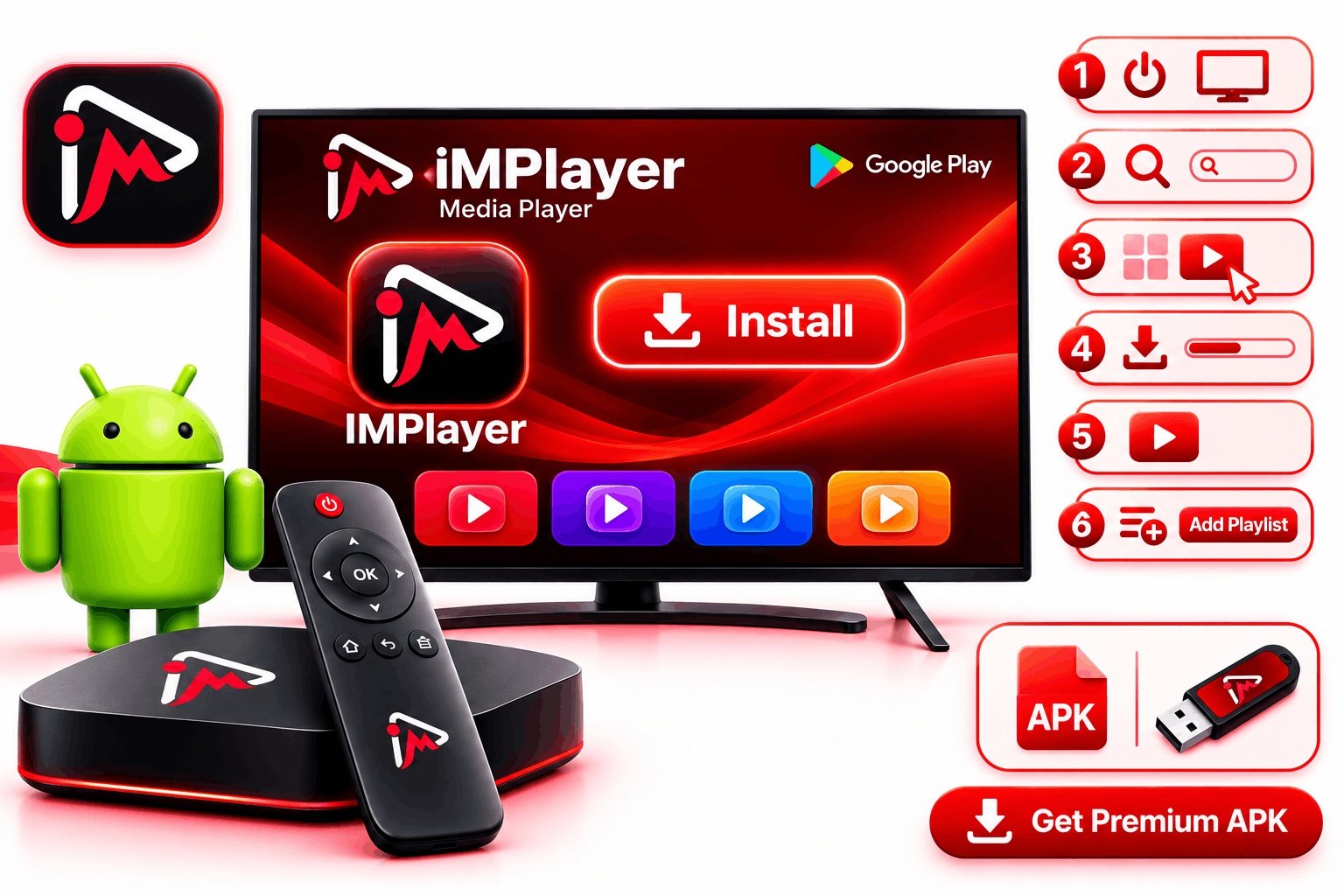
It is a powerful and customizable media player built from the ground up for IPTV streaming. It supports M3U playlists, Xtream Codes API, and Stalker Portal connections, making it compatible with virtually every IPTV provider in the world.
Unlike generic video players, this app is purpose-built for live TV. Its interface is organized like a real cable service — channel groups, a full EPG guide, catch-up TV, and a beautiful dashboard that feels native on any device.
It is strictly a media player. It does not provide channels, playlists, or IPTV subscriptions. You bring your own M3U link or Xtream Codes credentials from your IPTV provider.
Everything You Need in an IPTV Player
It packs every feature a serious streamer needs into one clean, fast, and beautiful app.
Full EPG Guide
Browse a complete electronic program guide with a familiar grid layout. Know what's on now and what's coming next.
Catch-Up TV
Missed a show? Its catch-up support lets you rewind and watch programs that already aired.
VOD Library
Access a full video-on-demand library including movies and TV series. Browse by genre and search by title.
Cloud Sync
Sync your playlists, settings, and favorites across every device in your household with zero effort.
MultiView (4 Screens)
Watch up to four channels simultaneously — perfect for sports fans watching multiple games.
Customizable UI
Tailor the dashboard, channel list layout, and color scheme to your preferences.
Download & Offline
Save VOD content for offline playback. Watch without an internet connection — perfect for travel.
Local Timeshift
Pause, rewind, and fast-forward live TV. No more missing a goal when you step away.
Recording Support
Record live TV directly within the app on supported devices. Build your own personal DVR library.
Download IMPlayer Now
Available free on every major platform. Choose your device and get started in minutes.
Enter this code in your Android TV Downloader app to install the app directly on your TV.
IMPlayer Works on Every Screen
From your pocket to your living room — it's optimized for every device you own.
iPhone & iPad
Native iOS app on the App Store. Supports iPhone, iPad, and iPod touch running iOS 14+.
Download iOSAndroid Phone
Available on Google Play for Android smartphones and tablets running Android 6.0+.
Download AndroidAndroid TV & Firestick
Install via Direct APK or Downloader code 82375 on Android TV, Google TV, and Firestick.
Get Direct APKStart Streaming in 3 Simple Steps
Getting the app working with your IPTV subscription takes just a few minutes.
Download the App
Install the free app from the App Store, Google Play, or via Direct APK. Takes under two minutes.
Add Your IPTV Playlist
Tap "Add Playlist" and enter your M3U URL or Xtream Codes credentials. It imports your channels automatically.
Enjoy Your Content
Browse your channel list, open the EPG guide, pick any channel or VOD title, and start streaming.
IMPlayer Technical Specs
Built for performance. It handles even the largest playlists without lag.
Formats & Protocols
Platform Requirements
IMPlayer vs Other IPTV Players
See how it stacks up against the most popular IPTV players in 2026.
| Feature | IMPlayer | TiviMate | IPTV Smarters | VLC |
|---|---|---|---|---|
| iOS / Apple TV Support | ✓ | ✗ | ✓ | ✓ |
| Android TV / Firestick | ✓ | ✓ | ✓ | ✓ |
| Full EPG / TV Guide | ✓ | ✓ | ✓ | ✗ |
| Catch-Up TV | ✓ | ✓ | ✓ | ✗ |
| Cloud Sync | ✓ Premium | ✗ | ✗ | ✗ |
| MultiView (4 screens) | ✓ Premium | ✓ | ✗ | ✗ |
| 4K HDR Support | ✓ | ✓ | ✓ | ✓ |
| Free Version Available | ✓ | ✗ | ✓ | ✓ |
| Offline Download | ✓ | ✗ | ✗ | ✗ |
What People Say About IMPlayer
Over 9,100 verified reviews across the App Store and Google Play with a 4.5-star average rating.
"The stability of IMPlayer is unmatched. This is the only one that handles large playlists without a single lag. The cloud sync is a life-saver for managing all my devices."
"Finally a player that feels like a professional TV service. The interface is stunning and the 4K rendering is smooth as butter. Worth every penny of the Premium plan."
"Hands down the best IPTV player I've found. I've tried IPTV Smarters, Perfect Player, VLC, Kodi — and this one beats them all. The UI and EPG navigation are on another level."
"The customization options are incredible. Love the download feature and the cloud sync. This is what a modern IPTV player should look like."
"No ads, easy to navigate, and the premium lifetime deal is fantastic value. The developers are clearly putting real effort into this app."
"Customer support is responsive and the app keeps getting better. If you want the best IPTV experience on Android TV or Firestick, look no further than IMPlayer."
Choose Your Plan
Start free, upgrade when you're ready. Every plan includes the full app interface.
- M3U & Xtream Codes support
- Live TV streaming
- Basic EPG guide
- VOD playback
- Android TV & iOS support
- Cloud Sync
- MultiView
- Offline Downloads
- Everything in Free
- Full EPG + Catch-Up TV
- Cloud Dashboard Sync
- MultiView (4 screens)
- Offline Downloads
- Local Timeshift
- Recording Support
- Priority Support
- Everything in Premium
- Lifetime access — pay once
- All future updates included
- Add extra devices for $7/each
- No annual renewal
- Cloud Sync unlimited
- MultiView 4 screens
- Best long-term value
Additional devices can be added for just $7/device. See all plans →
Frequently Asked Questions
Everything you need to know about IMPlayer before you download.
Everything About the App
Find guides, reviews, features, and support across our full resource center.
Start Streaming with IMPlayer Today
Download free on any device. No credit card required. Add your IPTV playlist and start watching in minutes.
It is strictly a media player. It does not provide content, playlists, or IPTV services.